How to transfer your internet connection in Dubai
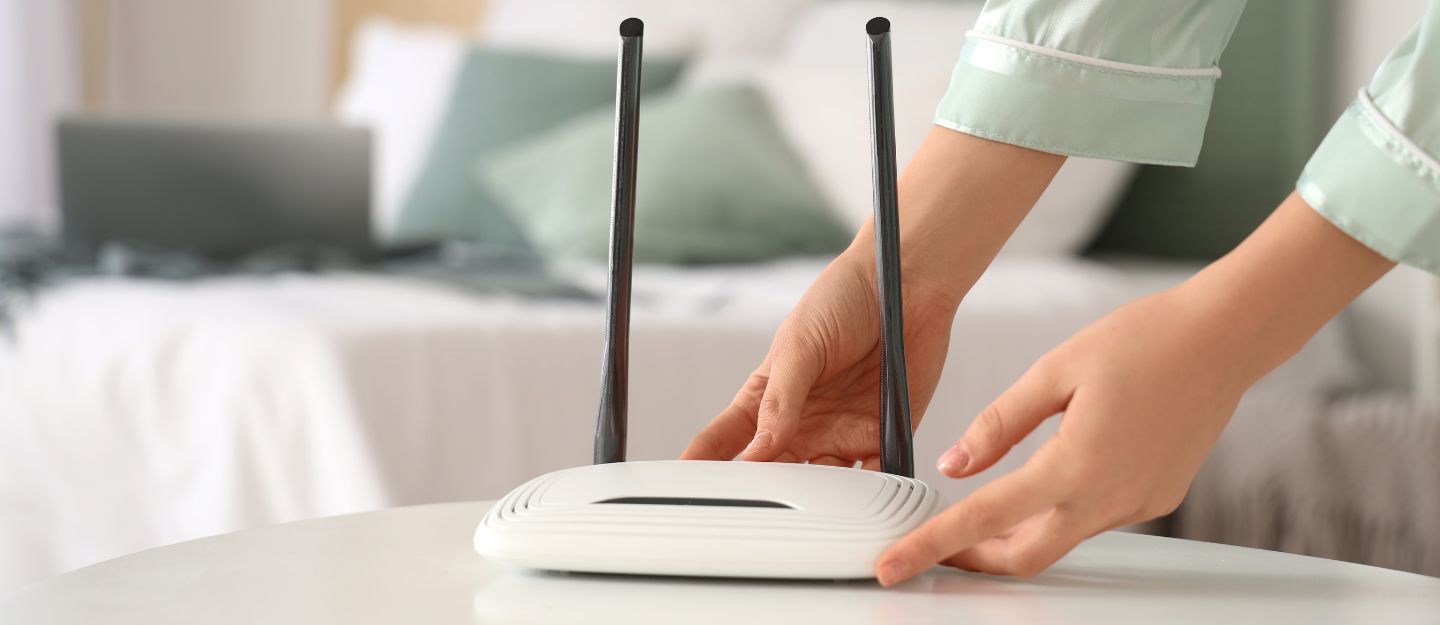
Moving homes has its challenges and the last thing you want is to arrive at your new home and realise you’re stuck without Wi-Fi. Most people assume moving your internet plan would be nothing short of a nightmare, but the process is simple and takes a few steps. Here’s a complete guide to transfer your internet connection in Dubai.
PROCESS OF MOVING HOME INTERNET IN DUBAI
Dubai’s home internet is powered by two main providers: du and Etisalat, now called e&. Both companies make it easy to transfer internet connection services when you move. Let’s explore how they support a smooth relocation process.
DU HOME INTERNET TRANSFER
du home offers reliable fibre and mobile connectivity across Dubai, making home moves seamless. Customers can easily transfer du internet connections in Dubai through simple relocation services, ensuring uninterrupted browsing and streaming when shifting to a new address. The process also helps users move their Wi-Fi connection without losing access during the transition.
What is the process for the du home internet relocation?
To transfer du home internet to a new location, you’re required to be du Home customer. The service is available in du App and My Account.
My Account
Go to the Relocation page and log in to ‘My Account’. Then fill up the information form and submit the request
du App
Download and log in to the du App, then go to the Home Plan section and select the Home Relocation Service option. Complete the form with your details and submit your request.
After you have submitted your request, a customer representative will contact you within 24 hours to confirm your request and schedule the technician’s visit for installation in your new home.
RELOCATION FEE
You will be charged a moving fee of AED 100 on your next bill. When you apply, you’ll need to upload your new tenancy contract or title deed. If the tenancy is not in your name, you’ll also need to provide proof of your relationship.


- Contact: customercare@getdu.ae | +971-800-43838
e&
e& formerly known as Etisalat, provides home internet services across Dubai, allowing users to move their Wi-Fi connections when changing addresses. To manage the process, customers can visit e& Business Centres or transfer e& internet connection to another location in Dubai. The home relocation process helps ensure existing internet services continue without disruption during the move to a new home.
What is the process for e& home internet transfer?
- Download and open the e& UAE app
- Go to your eLife Plan and select “Manage.”
- Choose “Home Move” and follow the on-screen steps
- Set up and use your eLife internet at the new address
Please note: The above process applies to those moving to a new location within Dubai. If you are moving between emirates, bear in mind that certain home plans may not be applicable in other emirates. In this case, you will be advised to cancel your current plan.
FAQs
HOW SOON SHOULD YOU START THE PROCESS OF MOVING THE HOME INTERNET IN DUBAI?
It’s best to start the process to transfer the internet connection at least a week in advance of your moving date. Remember, you need a Wi-Fi connection to use your favourite UAE internet calling app and stay connected with friends.
How long does it take to transfer the internet connection?
Home internet relocation usually takes 2 to 5 working days in the UAE, depending on service availability, technician scheduling and address verification requirements.
What documents are required to transfer internet services?
To move home internet in the UAE, you need an Emirates ID, a tenancy contract or title deed and proof of relationship if the tenancy is not yours.
That’s a wrap on everything you need to know about moving home internet in the UAE. Relocating your connection becomes simpler once you understand the transfer internet connection process and the steps involved.
Trusted Dubai internet providers help keep things organised during your move. Add this to your expat leaving Dubai checklist to keep your internet setup on track in your new home.
Recommended Posts