
How to pay DEWA bill via WhatsApp in Dubai
Managing your utility payments in Dubai has never been more convenient. Residents can pay the DEWA Bill via WhatsApp in just a few clicks. By utilising DEWA’s official AI-powered assistant, they can bypass login processes and handle their monthly settlements through a familiar interface. This secure, verified channel is designed to streamline your smart living experience, ensuring that staying on top of your utility costs is as easy as sending a text message.
About DEWA
The Dubai Electricity and Water Authority (DEWA) is the exclusive provider of electricity and water services in the emirate. DEWA was established in 1992 and has since grown into a utility serving over a million customers. By managing the entire lifecycle of power and water, DEWA serves as the backbone of Dubai’s rapid urban and economic expansion.
Beyond its core utility functions, DEWA plays a pivotal role in the Dubai Clean Energy Strategy 2050, which aims to provide 75% of the Emirate’s energy production capacity from clean sources by the year 2050. Central to this vision is the Mohammed bin Rashid Al Maktoum Solar Park, the largest single-site solar park in the region. DEWA uses advanced technologies, including Artificial Intelligence, smart grids and blockchain to promote smart living. This helps residents easily monitor and manage their energy consumption in real time.
How to pay your DEWA bill via WhatsApp in Dubai
To pay DEWA Bill via WhatsApp, you can use Rammas, DEWA’s AI-powered virtual employee. This service is available 24 hours a day and is the first of its kind for a government entity in the UAE.
Follow these steps to complete your payment securely:
1. Save the Official Contact
Add DEWA’s verified WhatsApp number to your phone’s contact list:
- Number: +971-4-601-9999
- Look for the green badge next to the profile name to ensure you are chatting with the official account.
2. Initiate the Conversation
Open WhatsApp and start a chat with the saved contact. Type a simple greeting like “Hi” or “Hello” and send it.
3. Choose the “Consumer” Option
Rammas will reply with a list of categories (Consumer, Builder, Partner, etc.).
- Type 1 for Consumer and send.
4. Select the Bill Payment Service
You will then see a menu of consumer services (View Bill, Track Application, etc.).
- Type the number corresponding to “Bill Payment” (usually option 8 or clearly listed in the menu) and send.
5. Provide Your Account Details
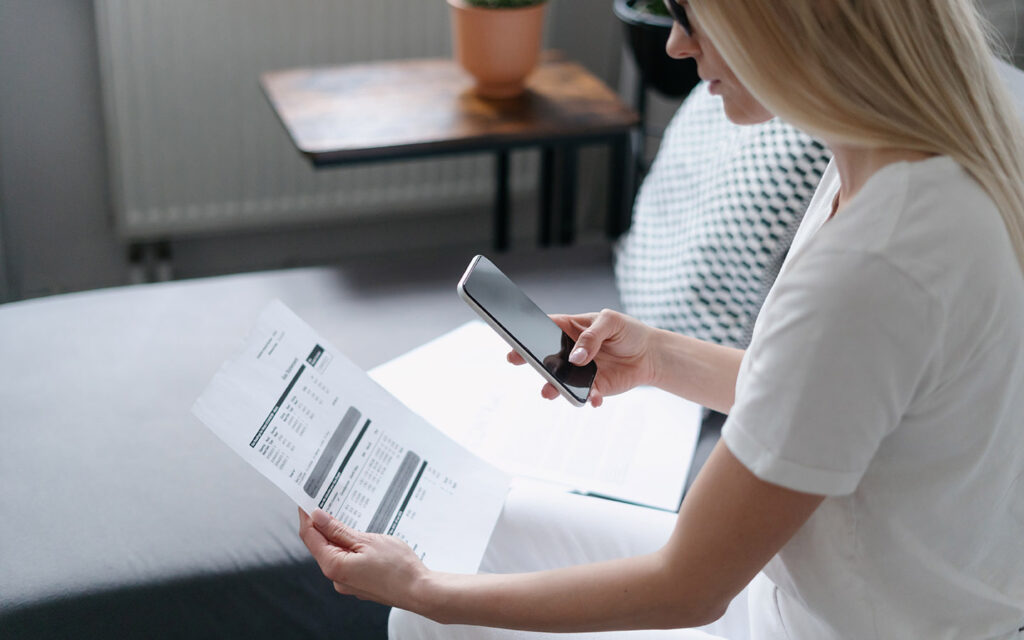
You will be prompted to enter your 10-digit DEWA Account Number (found at the top of your Green Bill). If you have already linked your number to your DEWA account, Rammas may recognize it automatically.
6. Access the Secure Payment Link
For security, Rammas will not ask for your credit card details inside the chat. Instead:

- The bot will generate a secure, unique link.
- Click the link to be redirected to the official DEWA payment gateway.
7. Complete the Transaction
Once on the secure page, you can review your outstanding balance and pay using:
- Credit/Debit Cards
- Apple Pay
- Samsung Pay
- Net Banking
Upon successful payment, you will receive an instant confirmation message on WhatsApp and a receipt via your registered email. This ensures your payment is reflected in the system immediately.
WHAT ELSE CAN YOU DO VIA DEWA WHATSAPP?
Beyond bill payments, DEWA’s WhatsApp bot, Rammas, acts as a comprehensive digital assistant. It is designed to handle a wide range of inquiries and transactions.
Here are the other key services you can access via WhatsApp:
- View Bill Details: You can request a summary of your current balance and the details of your last payment.
- Track Requests: Check the real-time status of your service applications.
- Consumption Insights: Get information and tips on how to monitor your electricity and water usage.
- Technical Notifications: Report a technical issue or an outage directly through the chat.
- EV Green Charger: Inquire about EV account management and the nearest charging stations.
- Update Information: Ask how to update your contact details or change your customer category.
- Customer Happiness Centres: Find the nearest physical branch locations and their operating hours.
- FAQs: Get instant answers to over 200 service-related questions.
Since Rammas is powered by AI, you don’t always need to follow the menu. You can simply type a question and the bot will provide the relevant links or instructions.
FAQS ON HOW TO PAY DEWA BILL VIA WHATSAPP IN DUBAI
Can I pay DEWA bill without login?
Yes, you can use the ‘Quick Pay’ (EasyPay) option on the DEWA website or app to pay your bill without logging in.
What is the best way to pay DEWA bill?
The best way is online via the DEWA website, DEWA app or WhatsApp. These methods are fast, secure and available 24-hours a day.
What is the official DEWA WhatsApp number?
The official DEWA WhatsApp number is +971-4-601-9999.
What details are required to pay DEWA via WhatsApp?
You usually need your DEWA account number or premise number and a valid debit/credit card for payment.
Are there any charges for paying DEWA through WhatsApp?
No, DEWA does not charge extra fees for using WhatsApp payment service, but standard bank charges may apply.
How do I confirm DEWA payment on WhatsApp?
Once payment is completed, you will receive a confirmation message and receipt on WhatsApp and registered contact details.
What other services are available on DEWA WhatsApp?
You can check bills, make payments, report issues, and get customer support through the Rammas AI bot on WhatsApp.
By streamlining your utility payments through WhatsApp, you are embracing the efficiency of Dubai’s digital-first infrastructure. This integration ensures that managing your household responsibilities is as effortless as sending a message to a friend.
Whether you are at home or on the go, DEWA’s official WhatsApp service provides a secure, transparent and direct way to stay on top of your bills. Experience the convenience for yourself today and join the thousands of residents taking full advantage of the city’s world-class mobile services.
Keep following Bayut for everything you need to know about living in the UAE.
Recommended Posts